Your business name is more than a brand — in government contracting, it's the identifier that appears on every SAM.gov registration, every solicitation response, and every contract award. Getting it right from the start saves hours of paperwork headaches later.
What Makes a Good GovCon Business Name?
Government procurement officers review hundreds of vendor profiles. A name that is clear, professional, and easy to spell helps you appear credible. Avoid generic names like "Supply Solutions LLC" that blend into the crowd. Aim for something specific to your niche or region.
- Keep it short — under 4 words is ideal for system fields
- Avoid special characters that break database entries
- Make sure the name is available as a domain and on SAM.gov
- Consider including a keyword relevant to your supply category
Check These Before You File
Before registering your LLC, verify your name is available in your state's business entity search, check the USPTO trademark database for conflicts, and confirm a matching .com domain is available. You'll want your name, domain, and SAM.gov entity to match exactly.
Choosing your business structure is one of the most important early decisions. For government contracting, the LLC (Limited Liability Company) is the preferred structure for most small operators — it provides liability protection, a professional appearance, and separates your personal finances from your business activity.
LLC vs Sole Proprietorship
- Sole Prop: Easiest to start, no formal filing. But your personal assets are at risk, and many agencies prefer registered entities.
- LLC: Requires state filing and a small fee, but provides liability protection, a formal EIN, and a professional entity name on your SAM.gov profile.
Why LLC is the Right Move for GovCon
SAM.gov requires an EIN for registration. As a sole proprietor you can use your Social Security Number, but this creates security and audit risks. An LLC gets its own EIN, keeps your SSN private, and signals to contracting officers that you're a serious vendor.
A dedicated business bank account is non-negotiable for government contracting. Federal payments come via ACH direct deposit — and the banking information you enter into SAM.gov must match your bank account exactly. Any mismatch delays payment.
What to Look for in a Business Account
- No monthly fees or low minimum balance requirements
- ACH and wire transfer capability
- Online access and debit card for vendor payments
- Ability to set up multiple users if you have a team
Critical: SAM.gov Banking Entry
When you register on SAM.gov, you'll enter your bank routing and account number for payment. The legal name on your bank account must match your registered entity name exactly — down to "LLC" vs "L.L.C." Check this carefully before submitting.
An Employer Identification Number (EIN) is issued by the IRS and serves as your business's federal tax identifier — like a Social Security Number for your company. It's required for SAM.gov registration, business banking, and all federal transactions.
How to Apply
Apply online at IRS.gov — the process is free, takes about 10 minutes, and your EIN is issued immediately. Only use the official IRS website. Third-party sites charge fees for a service that is completely free from the government.
- Go to IRS.gov/EIN
- Select "Limited Liability Company" as your entity type
- Complete the online application
- Print and save your EIN confirmation letter (CP 575)
Beyond your LLC formation, most states and counties require a general business license to operate legally. Requirements vary by state, city, and business type. Failing to maintain a current business license can disqualify you from certain contracts and creates compliance risk.
What You Typically Need
- State general business license (varies by state)
- County or city business license (varies by municipality)
- Industry-specific permits if your niche requires them
Annual Renewal
Most business licenses must be renewed annually. Add your renewal date to your compliance tracker and set a 60-day reminder. A lapsed license is one of the most common — and most avoidable — compliance failures.
Government contracts pay on Net-30, Net-60, or sometimes Net-90 terms. That means you may need to purchase inventory and ship product weeks before you receive payment. Business credit is what bridges that gap — and building it early gives you options when you need them.
Building Your Business Credit Profile
- Register with Dun & Bradstreet (D-U-N-S number — free)
- Open a business credit card with a low limit and pay it monthly
- Open accounts with vendors that report to business credit bureaus
- Keep utilization below 30% and pay on time — every time
Why This Matters for GovCon
As you win larger contracts, you'll need to carry inventory. Business credit lines allow you to purchase product, fulfill the order, and pay the line back when the government pays you — without touching personal savings.
Government contracting is an information-intensive business. You'll be managing RFQ pipelines, supplier communications, compliance deadlines, and bid documents simultaneously. Your workspace — digital and physical — needs to support that volume efficiently.
Essential Digital Tools
- Google Workspace: Business email, Drive for document storage, Sheets for tracking
- HubSpot CRM (free tier): Pipeline tracking for bids and deals
- Password manager: For SAM.gov, DIBBS, and supplier logins
- Cloud backup: All business documents backed up automatically
Physical Setup
A dedicated workspace — even a corner of a room — trains your brain to be in "business mode" when you're there. You'll need reliable internet, a printer/scanner for documents, and a labeling system for any physical product handling.
SAM.gov — the System for Award Management — is the federal government's central database of vendors. Every contractor that receives federal payments must be registered and active in SAM.gov. It is the single most important registration in government contracting.
What SAM.gov Does
- Verifies your business identity for federal procurement
- Links your banking information for direct payment
- Stores your NAICS codes, PSC codes, and small business certifications
- Publishes your capability statement to contracting officers
- Enables you to receive award notifications
The Annual Renewal Rule
SAM.gov registrations expire every 365 days. There is no automatic renewal and no government reminder. If your registration lapses, you are ineligible to receive award — even if you're the lowest bidder. This is one of the most common and most preventable failure points for small contractors.
The Unique Entity Identifier (UEI) replaced the DUNS number in April 2022 as the standard identifier for all federal vendors. Your UEI is a 12-character alphanumeric code assigned by SAM.gov during registration — it identifies your business entity in every federal system.
How to Get Your UEI
Your UEI is assigned automatically when you create an entity registration on SAM.gov. You do not need to apply for it separately. The process takes about 10 business days for a new registration to be fully active in all federal systems.
- Go to SAM.gov and sign in with your Login.gov account
- Select "Register Entity" under Entity Management
- Your UEI is assigned at the start of the registration process
- Record your UEI — you'll use it on every federal form
The Commercial and Government Entity (CAGE) code is a 5-character identifier assigned by the Defense Logistics Agency (DLA). It's used across all DoD procurement systems, including DIBBS, to identify your company as an approved vendor.
How You Get a CAGE Code
When you complete your SAM.gov registration, a CAGE code is automatically assigned to your entity by the DLA. You don't apply for it separately. However, it may take a few extra days to appear in the DLA's system after your SAM.gov registration goes active.
Verifying Your CAGE Code
You can look up any CAGE code at the DLA's CAGE search tool. Use this to verify your own code is active, and also to research suppliers and subcontractors before working with them.
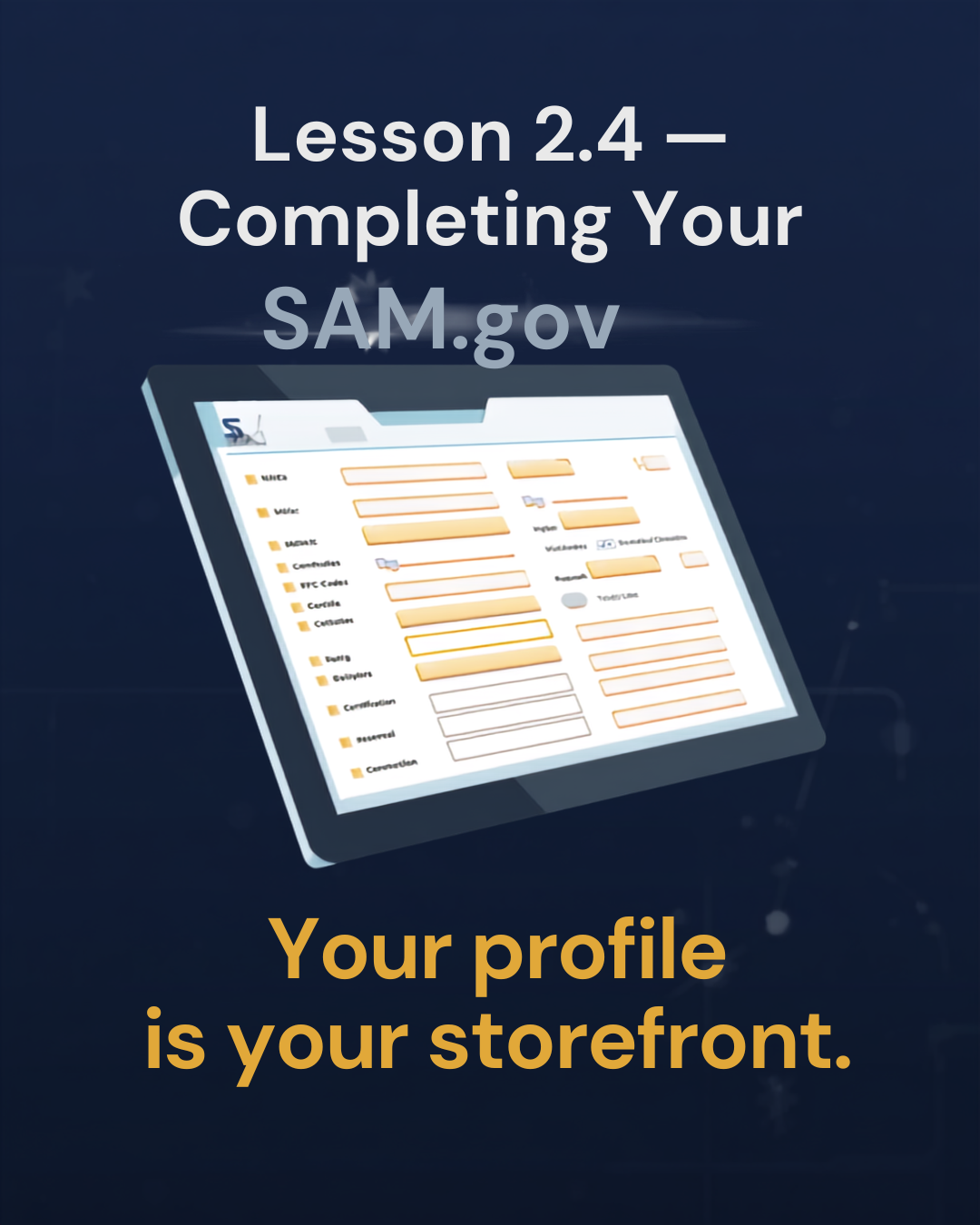
A complete SAM.gov profile does more than meet the minimum requirements — it tells contracting officers what you sell, whether you qualify as a small business, and how to reach you. Every field matters.
Key Sections to Complete Carefully
- NAICS Codes: Select every code that applies to your products or services. Your primary NAICS determines your small business size standard.
- PSC/FSC Codes: Product and Service Codes tell DLA what categories you sell in. Accurate codes mean your profile appears in the right searches.
- Points of Contact: Keep your Government Business POC and Electronic Business POC current — these receive bid notifications.
- Banking Information: Routing and account number must match your business bank account exactly.
- Representations & Certifications: Complete all reps & certs annually — these certify your business size, socioeconomic status, and compliance with federal regulations.
SAM.gov is not a one-time task — it's an ongoing commitment. Every year, you must renew your registration, verify your information is current, and re-complete your Representations & Certifications. Missing renewal by even one day can cost you an active award.
Annual Renewal Checklist
- Renew 30–60 days before expiration (not on the last day)
- Verify business name, address, and POC contacts are current
- Confirm banking information still matches your bank account
- Update NAICS and PSC codes if your business has expanded
- Re-complete Representations & Certifications
- Verify no exclusions have been added to your record
Ongoing Monitoring
Beyond annual renewal, monitor your SAM.gov record quarterly. If your address changes, a new officer is added, or your business structure changes, update SAM.gov within 30 days. Stale information creates risk during contract performance reviews.
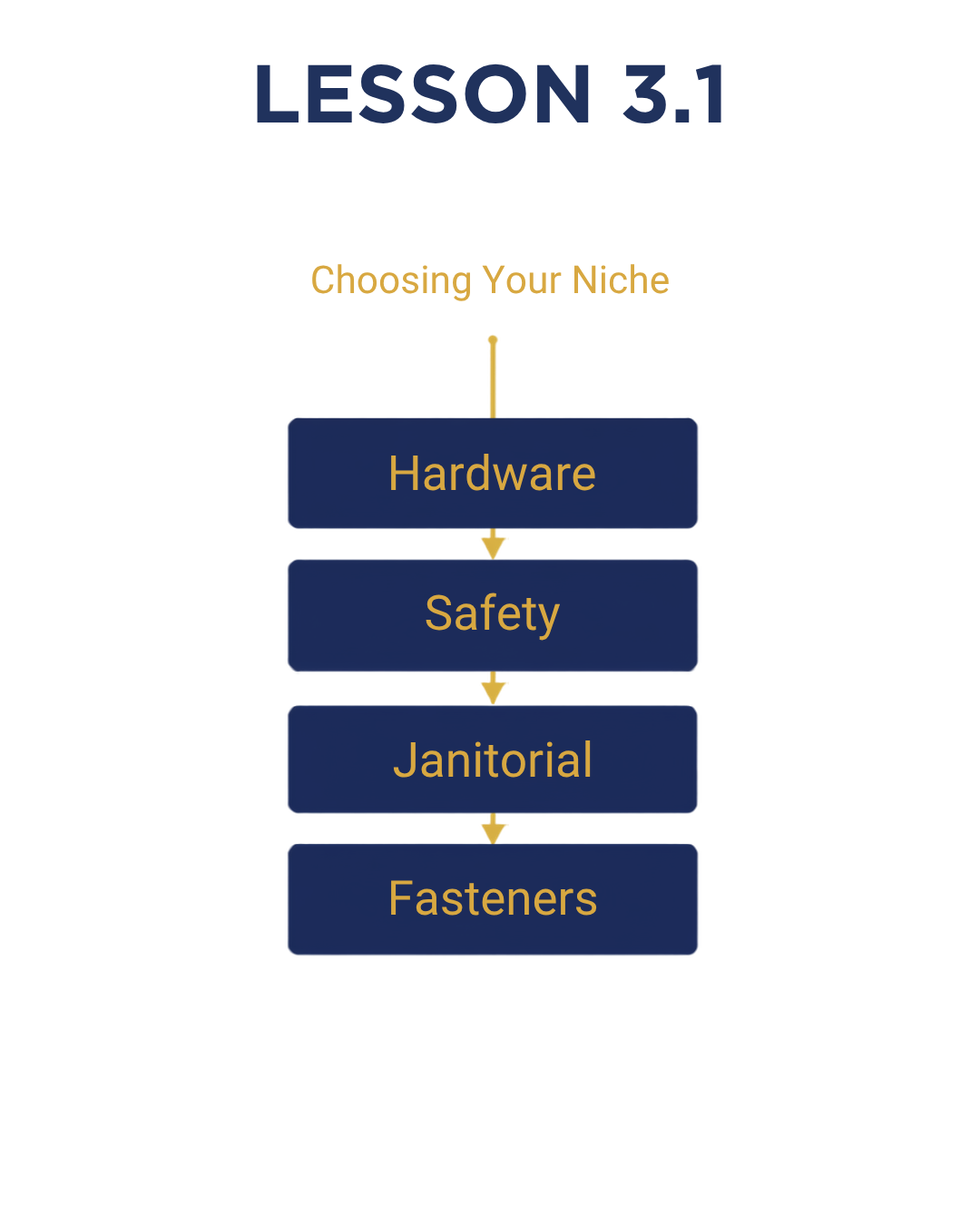
New GovCon contractors often make the mistake of trying to bid on everything. The contractors who build consistent win rates do the opposite — they pick 2–3 product categories, learn them deeply, build supplier relationships in those categories, and become the go-to vendor in that niche.
How to Choose Your Niche
- DIBBS Volume: Look at how frequently your target FSC codes appear on DIBBS. High volume categories give you more opportunities to build win rate.
- Sourcing Access: Choose categories where you can reliably source product from multiple suppliers. Single-source categories are high risk.
- Margin Potential: Some categories have thin margins due to heavy competition. Research award prices before committing to a niche.
- Capability Fit: If MIL-SPEC packaging is required, make sure you have or can access that capability.
iCrestiQ Active Categories
iCrestiQ focuses on hardware and fasteners (FSC 5305, 5306, 5310), safety and PPE (FSC 4240, 8415), janitorial supplies (FSC 7930), and hand tools (FSC 5120). These categories offer consistent DIBBS volume, reliable supplier networks, and margin potential above 18%.
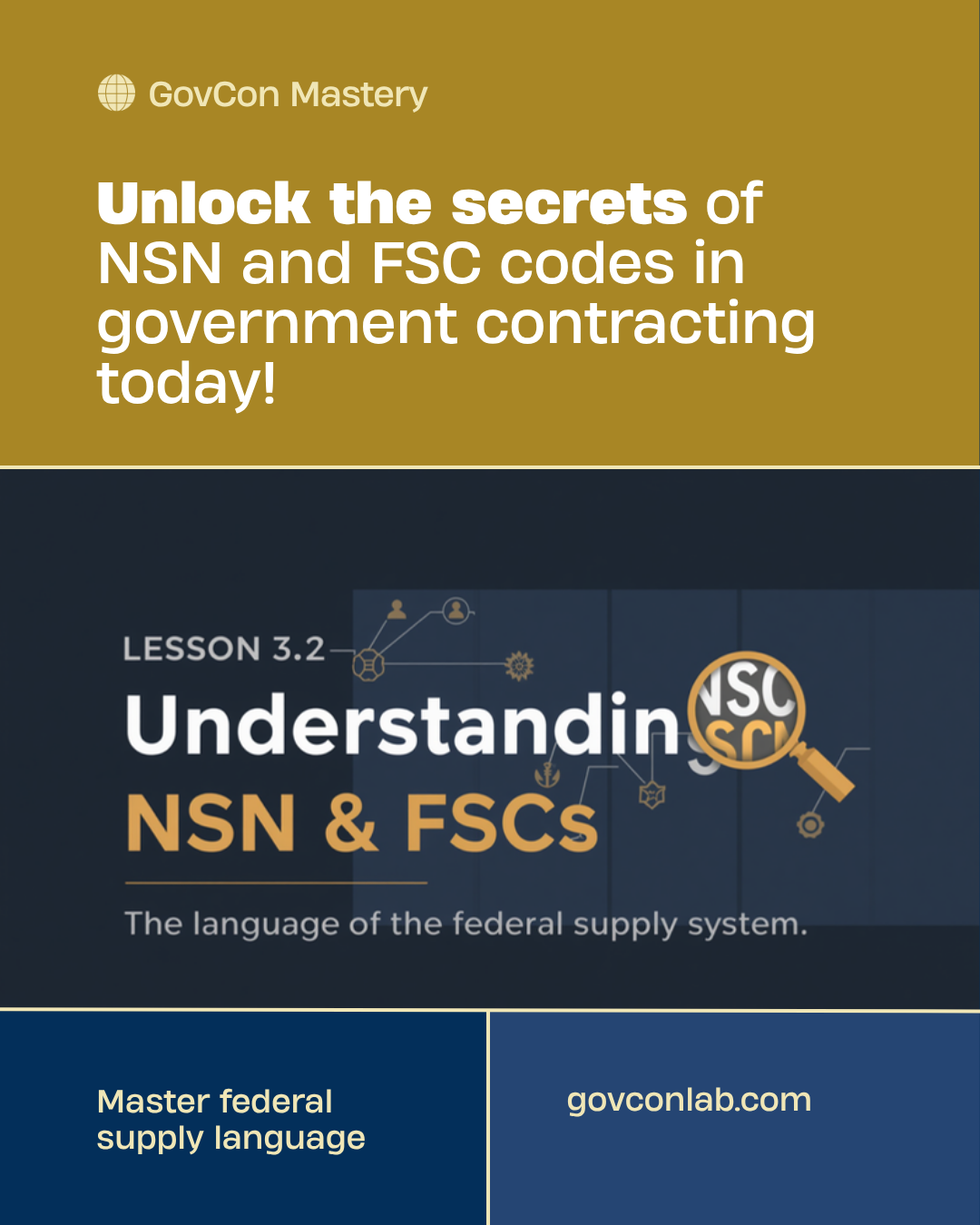
The National Stock Number (NSN) is the universal identifier for every item in the federal supply system. Understanding how NSNs work — and how they relate to FSC and PSC codes — is fundamental to navigating DIBBS and the DLA.
NSN Structure
Every NSN is a 13-digit code in the format XXXX-XX-XXX-XXXX:
- Digits 1–4: Federal Supply Class (FSC) — identifies the product category
- Digits 5–6: Country code (01 = US-assigned)
- Digits 7–13: NIIN — the item-specific unique identifier
FSC vs PSC
- FSC (Federal Supply Class): Used for products and goods. The first 2 digits identify the group (53 = hardware, 84 = clothing, 79 = cleaning).
- PSC (Product and Service Code): Used for services. If you're selling products, FSC is your primary code system.
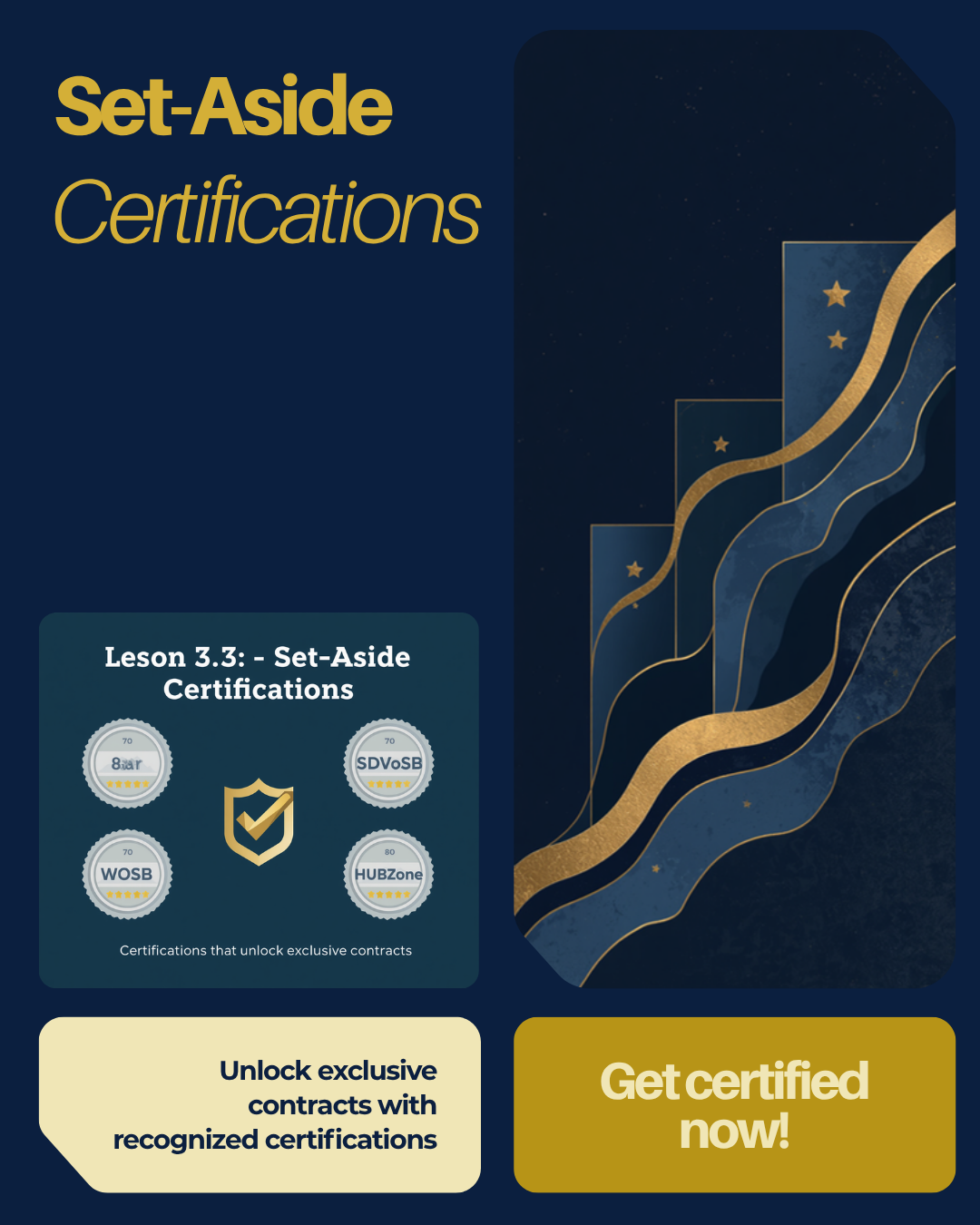
The federal government sets aside a portion of contracts specifically for small businesses and businesses owned by people in underrepresented groups. Getting certified opens a pool of competition that is dramatically smaller than the open market.
Major Set-Aside Certifications
- Small Business (SB): Automatic if you meet SBA size standards for your NAICS. No application required.
- 8(a) Business Development: For socially and economically disadvantaged business owners. 9-year program with mentoring and sole-source contract access.
- WOSB / EDWOSB: Women-Owned Small Business. Self-certified or third-party certified through SBA.
- SDVOSB: Service-Disabled Veteran-Owned Small Business. Verified through VA's VetBiz registry.
- HUBZone: Historically Underutilized Business Zone. Based on business location and employee residency requirements.
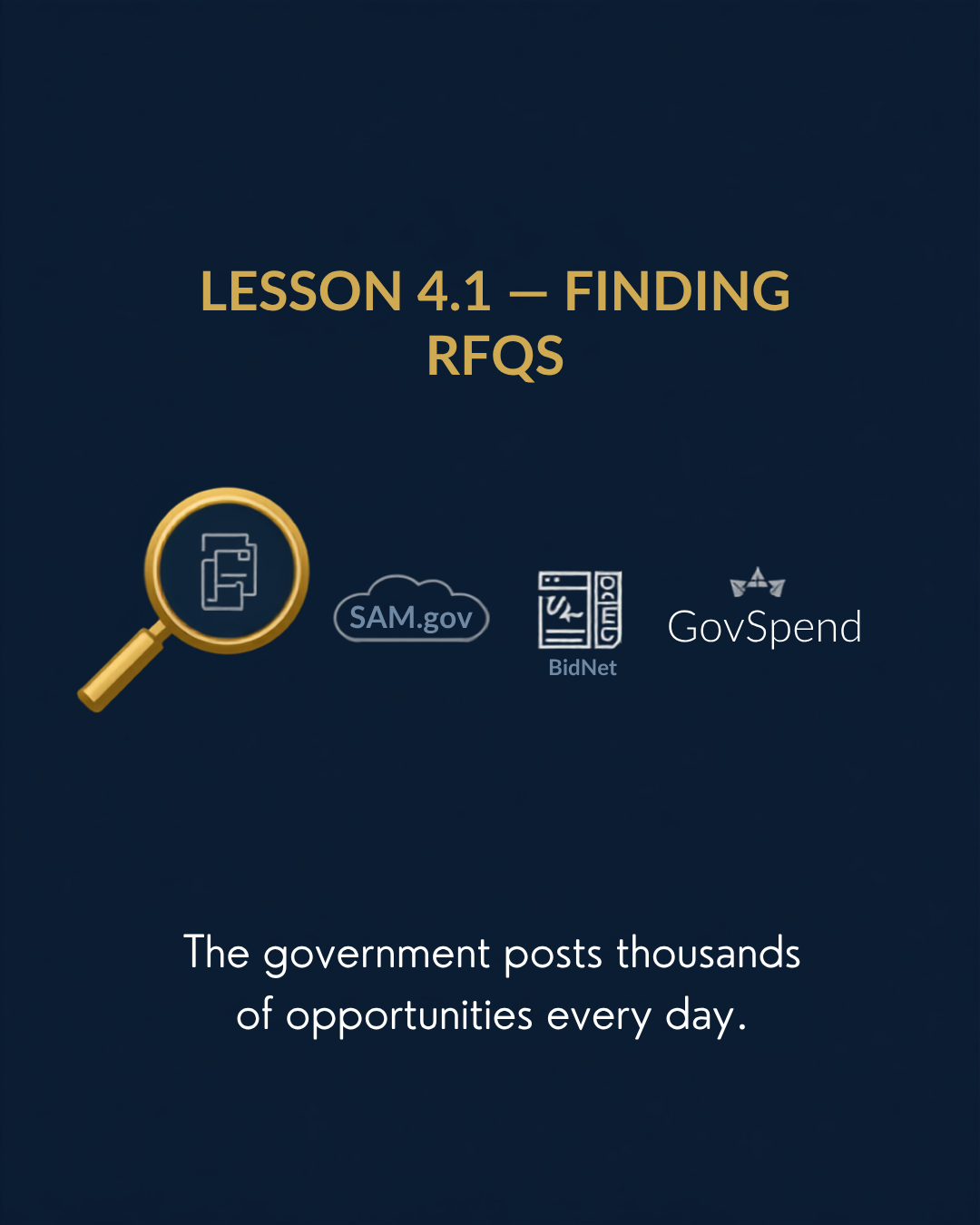
Once you're registered in SAM.gov and know your target FSC categories, the next step is finding active solicitations to bid on. Government opportunities come from multiple platforms — each with different characteristics, competition levels, and product categories.
Your Primary Platforms
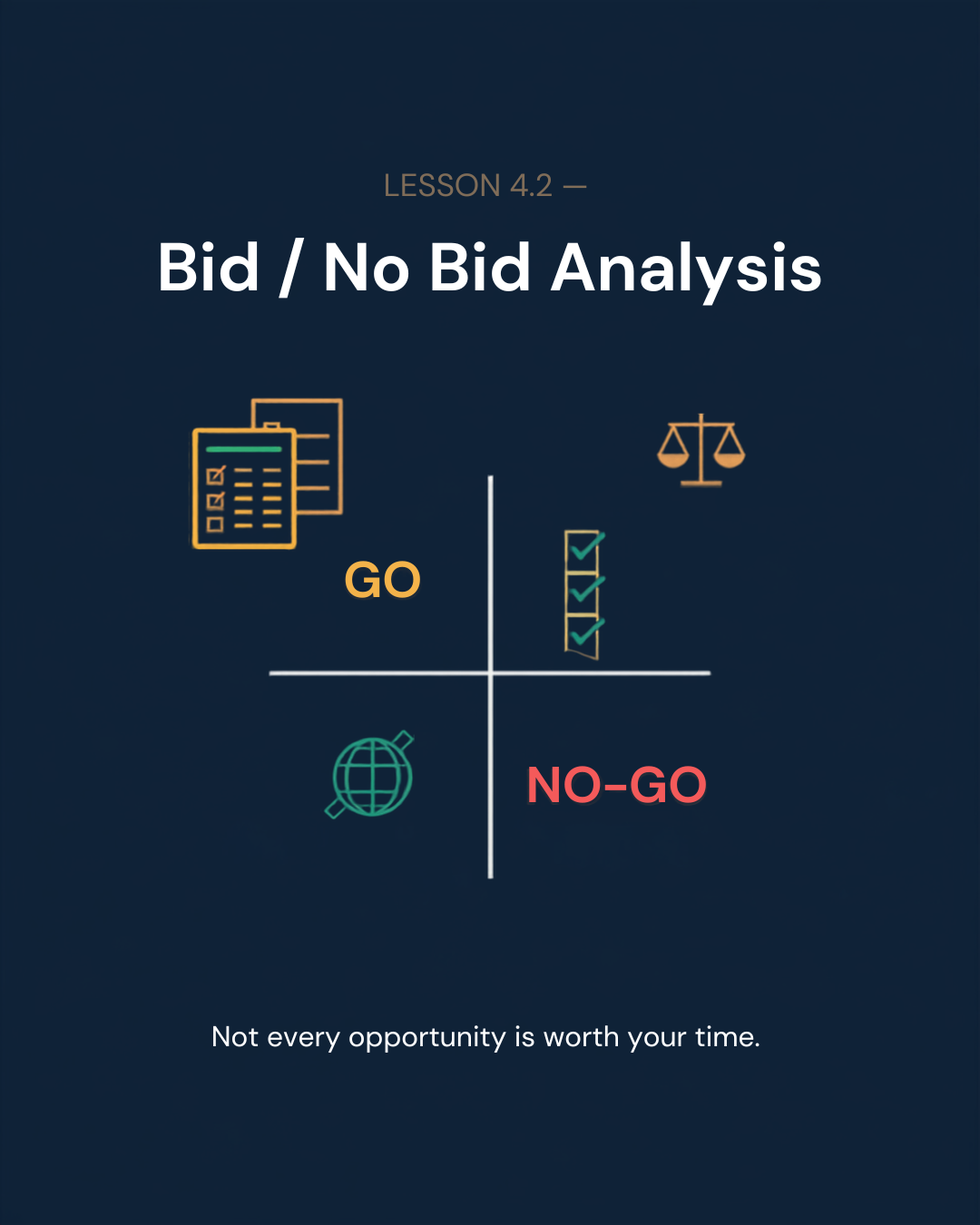
The discipline that separates high-win-rate contractors from everyone else isn't pricing — it's selectivity. Before you spend any time sourcing product or building a quote, run every RFQ through a quick bid / no-bid screen.
The 5 Criteria to Score
- Sourcing Capability: Can you reliably source this item from a vetted supplier?
- Margin Potential: Based on DIBBS award history, can you hit your minimum margin (18%+)?
- Delivery Window: Does the required delivery date fit within your supplier's lead time?
- MIL-SPEC Risk: Are the packaging and marking requirements manageable?
- Category Fit: Is this an FSC you know and have supplier relationships in?
The Decision
Proceed to pricing
Identify risks first
Log and move on
On a government contract, you are responsible for what your supplier delivers. A wrong part, a late shipment, or a supplier on the SAM.gov exclusions list can result in contract termination and damage your past performance record — which follows you on every future bid.
Before You Use Any Supplier
- Verify they are NOT on the SAM.gov exclusions list
- Confirm their UEI and CAGE code are active in the DLA system
- Request pricing on your target NSNs and compare to DIBBS award history
- Confirm their lead time fits inside your contract delivery window
- Confirm they can provide MIL-SPEC compliant packaging if required
Building a Supplier Network
Over time, build a roster of 2–3 approved suppliers per FSC category. Competition between suppliers keeps your pricing sharp. If your primary supplier is out of stock, a secondary source saves the contract.
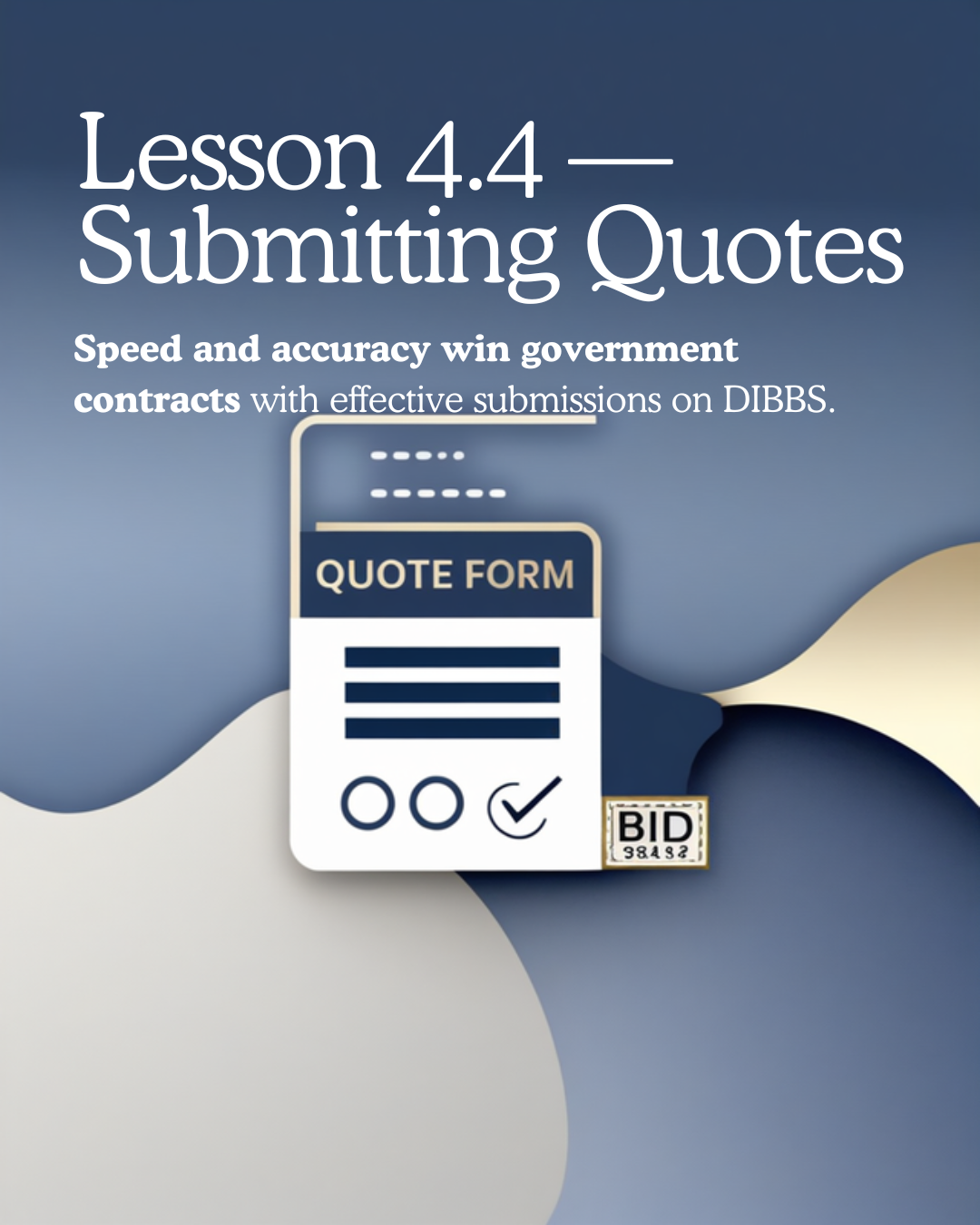
Submitting a quote on DIBBS is straightforward — but the details matter. A quote submitted late, with the wrong unit price format, or missing a required field is automatically disqualified. Build a repeatable process and follow it every time.
The DIBBS Quote Submission Process
- Log in to DIBBS and find your target RFQ by NSN or solicitation number
- Review the full solicitation — check quantity, delivery date, packaging requirements, and any special instructions
- Enter your unit price — this is your all-in price per unit including packaging and shipping to destination
- Confirm your delivery date is achievable based on your supplier's lead time
- Submit before the closing date and time (Eastern Time)
Pricing Your Quote
Use the DIBBS purchase history to see what the last 5 awards went for on this NSN. Price at or slightly below the average. Your pricing should cover: supplier unit cost + freight + packaging + your margin target. The Pricing Intelligence Calculator in the GovCon Bid Intelligence Suite™ handles all of this automatically.
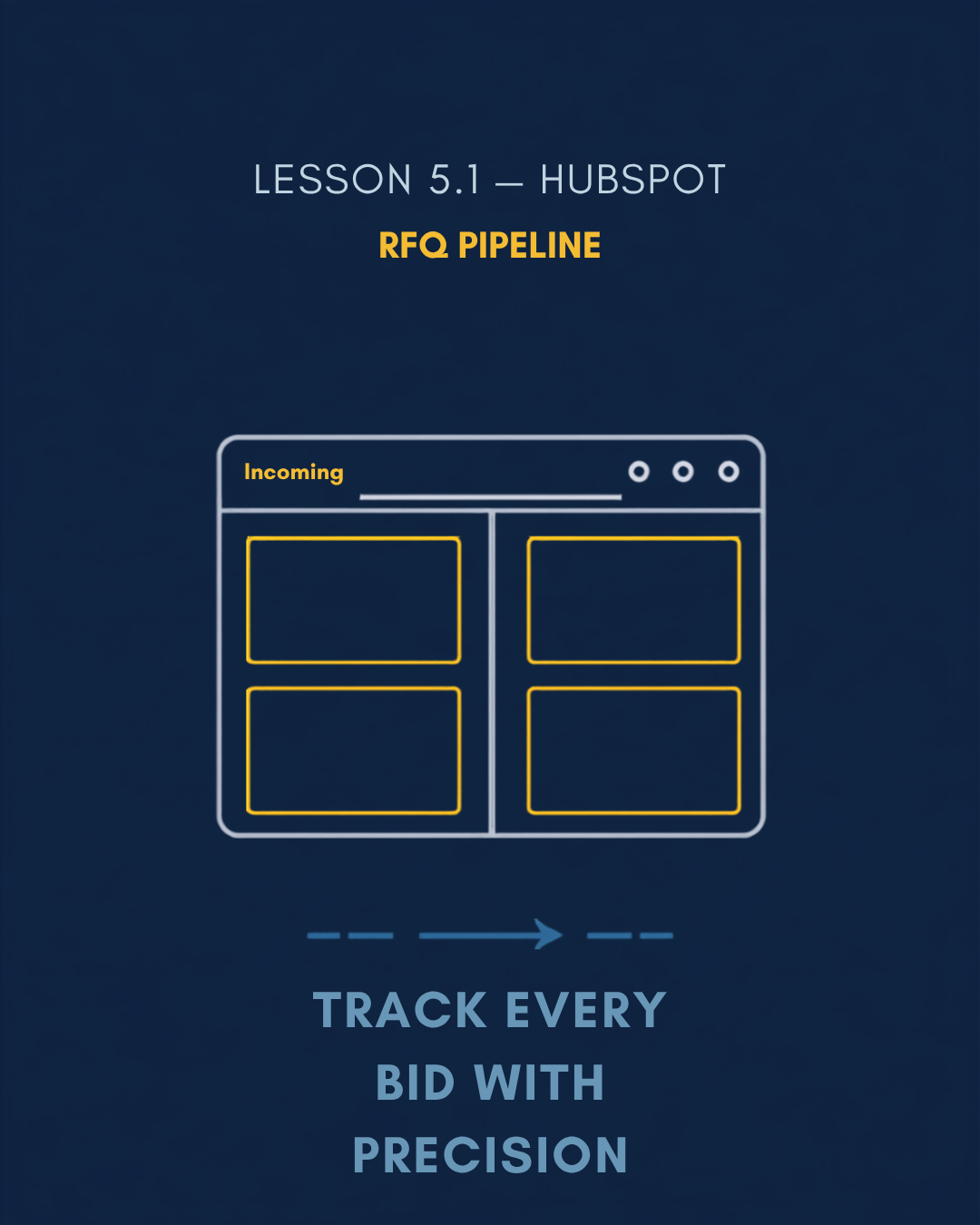
As your bid volume grows, you need a system to track every RFQ from discovery through award — not a spreadsheet you update manually, but a live pipeline that shows you exactly where every opportunity stands at any moment.
The iCrestiQ RFQ Pipeline Stages
- Incoming: New RFQ received, not yet scored
- Under Review: Being scored on bid/no-bid criteria
- Active Bid: Scored GO, pricing in progress or submitted
- Caution: Flagged for additional review
- Won / Lost / Rejected: Final disposition logged
Why HubSpot
HubSpot's free CRM tier gives you a fully functional deal pipeline, email integration, and the ability to add custom properties to each deal (NSN, FSC, bid amount, award amount). It integrates directly with Make.com for automation — which is what Phase 5 is all about.
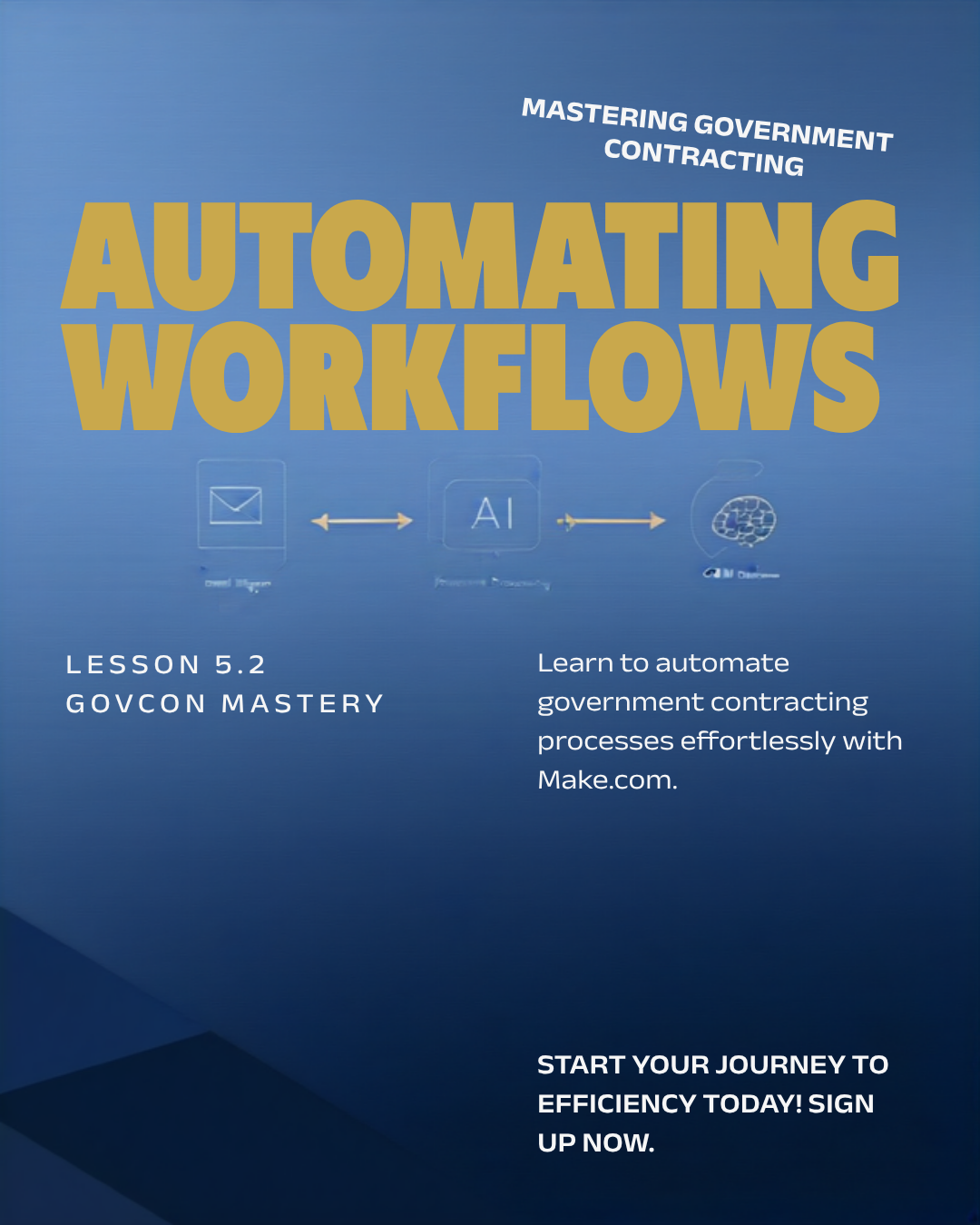
The iCrestiQ RFQ Command Center is a Make.com automation pipeline that processes government RFQ documents end-to-end — from the moment they arrive in your inbox or Google Drive to HubSpot deal creation, Claude AI scoring, and GO/CAUTION/NO-GO email routing. All without manual intervention.
The Core Automation Flow
- Trigger: RFQ document dropped in Google Drive or received via email
- Extract: PDF.co converts the document to text
- Score: Claude API scores the RFQ on 100-point criteria (NSN fit, margin potential, delivery risk)
- Route: GO bids → Active Bid stage in HubSpot + email alert. NO-GO bids → Rejected stage + logged for patterns.
- Notify: Gmail sends you a summary of each scored RFQ
Getting Started with Make.com
Make.com has a free tier that handles light automation volume. The full RFQ Command Center blueprint is available inside GovCon Lab — it's an importable scenario that connects to your Google Drive, Claude API, HubSpot, and Gmail with minimal configuration.
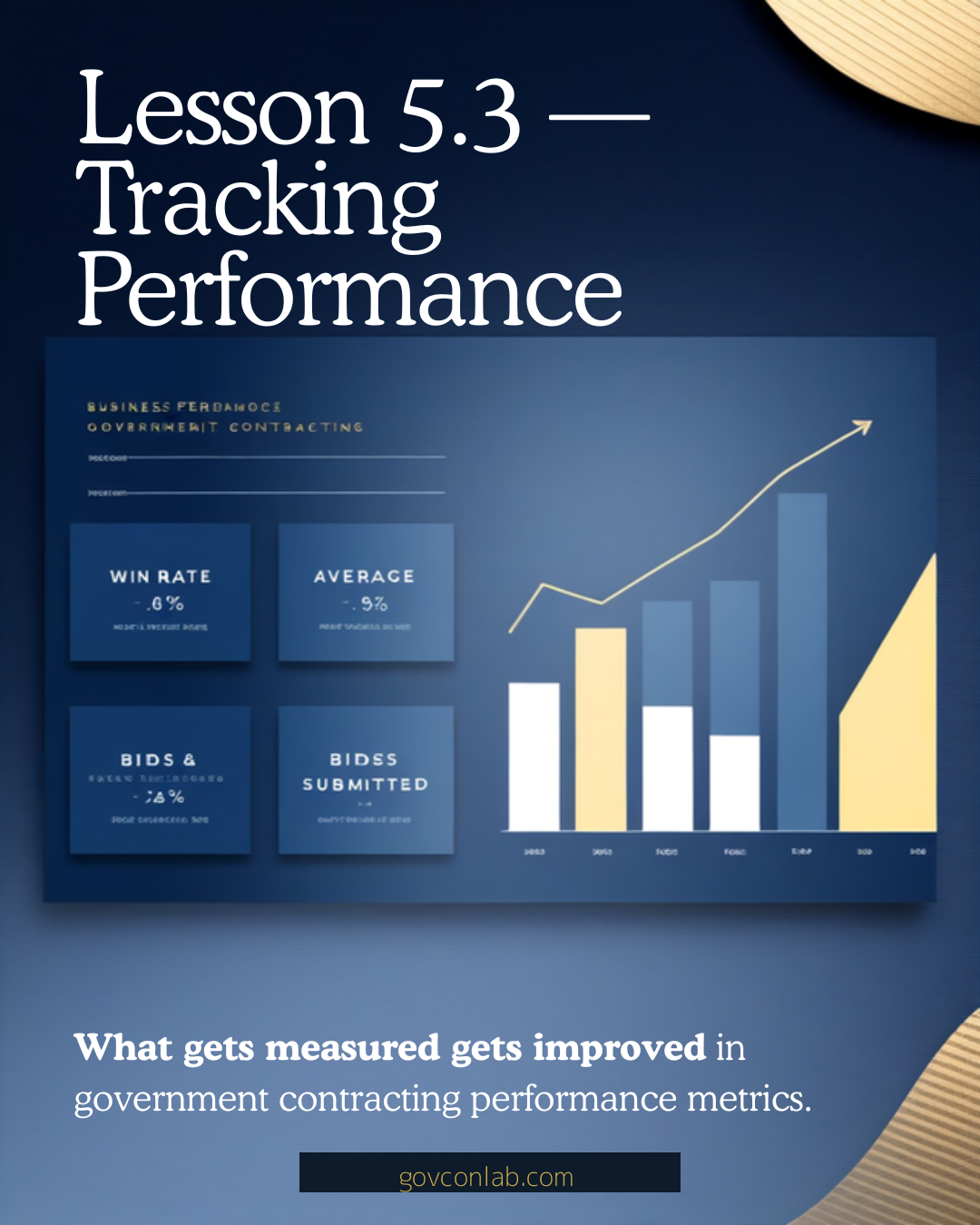
Government contracting is a data business. The contractors who grow sustainably aren't the ones who bid the most — they're the ones who measure the right things and use that data to get sharper over time.
The Metrics That Matter
- Win Rate by FSC: Which categories are you winning in? Double down there.
- Average Margin on Wins: Are you hitting your target? If margins are slipping, your supplier pricing or competition has changed.
- Price Delta (Loss Analysis): How far were you from the award price on losses? If you're consistently $0.05–$0.10 high, it's a sourcing problem, not a pricing problem.
- Bid Volume: How many RFQs are you scoring per week? Volume is a leading indicator of revenue.
- Days to Close: How long from RFQ to award? Faster close cycles mean faster cash flow.
Once your systems are running and you have a consistent win rate in your primary category, growth comes from expanding — more categories, more platforms, more automation, and eventually larger contract vehicles.
Growth Levers
- Expand FSC Categories: Take your winning process into one adjacent category at a time. Add supplier relationships, add NSNs to your screener, expand your NAICS codes on SAM.gov.
- Add Platforms: If you're winning on DIBBS, explore SAM.gov set-aside opportunities. If you have state certifications, pursue BidNet contracts.
- GSA Schedule: A GSA Schedule contract gives you a pre-approved vendor status across hundreds of agencies. It's a 6–12 month application process but dramatically expands your opportunity set.
- Subcontracting: As a certified small business, you can team with larger primes as a subcontractor — accessing contracts that are too large for you to bid as prime.
- Past Performance: Every contract you win becomes a reference. Protect your past performance record — it compounds in value with every successful delivery.